Refresh with Cellular Data
Normally, the refresh shortcut needs Wi-Fi. To refresh using cellular data, add both of these shortcuts to the Shortcuts app:


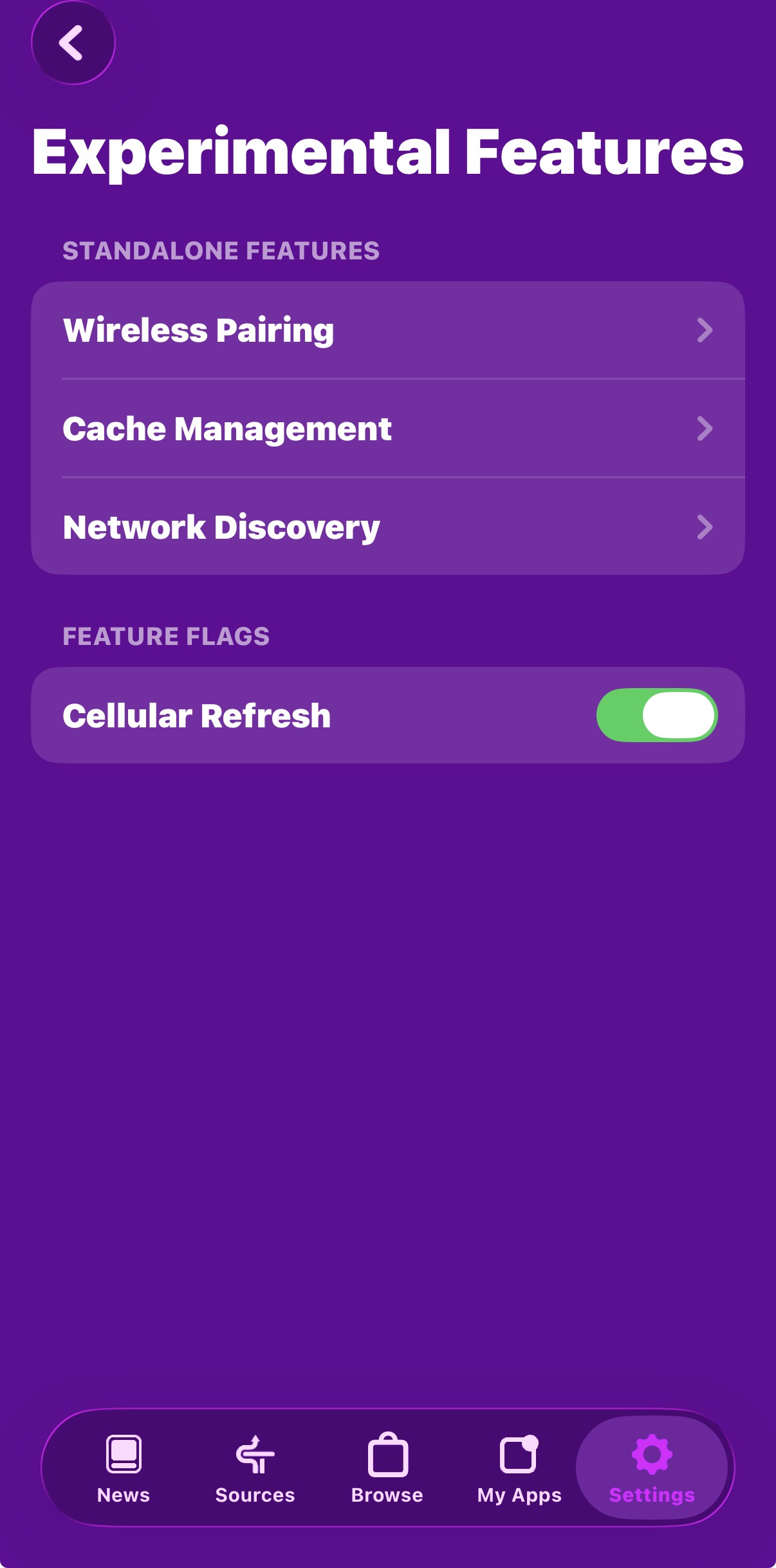
Next, open SideStore settings and find Experimental Options. The location may change in the future. Enable Cellular Refresh.
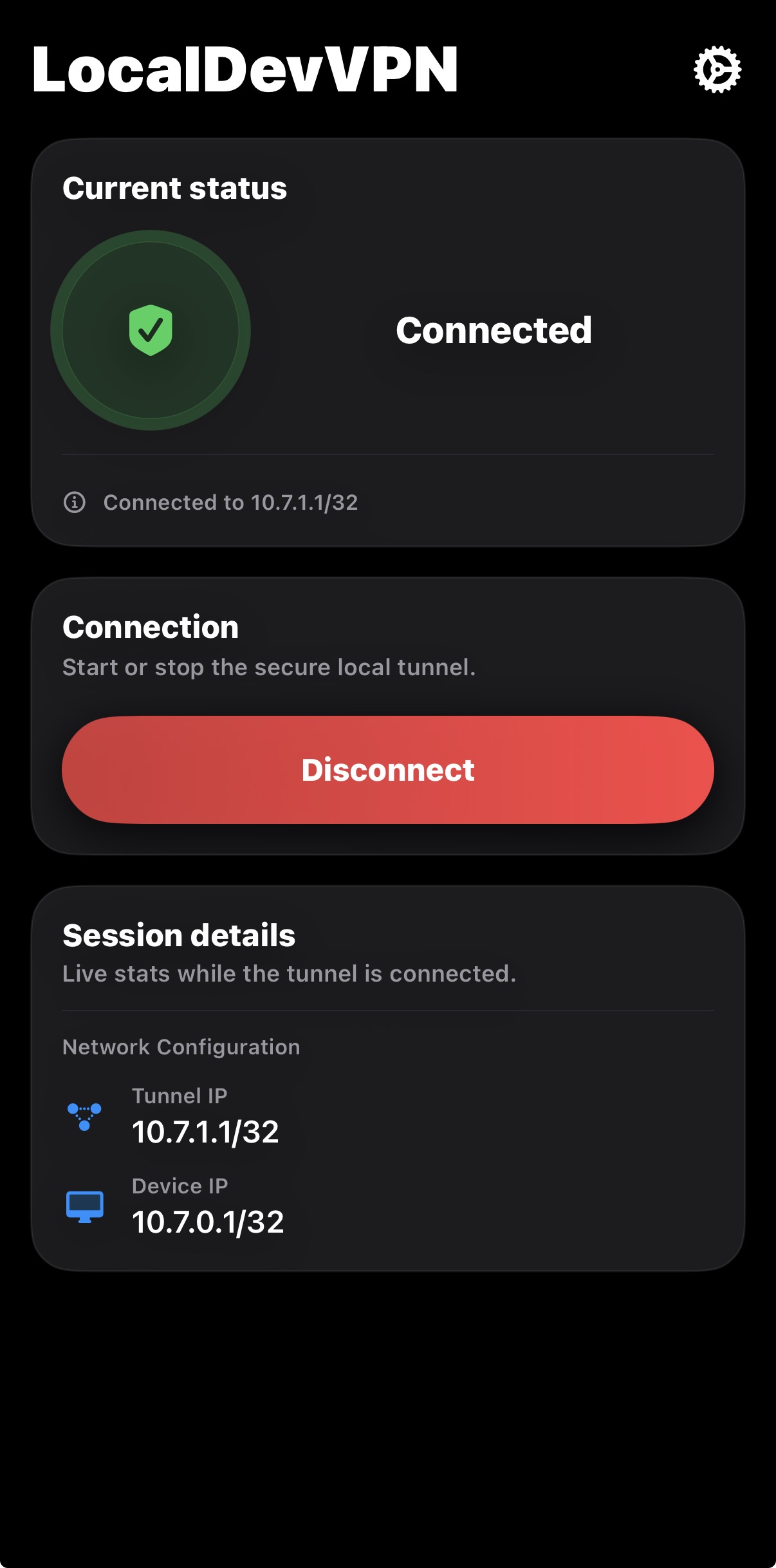
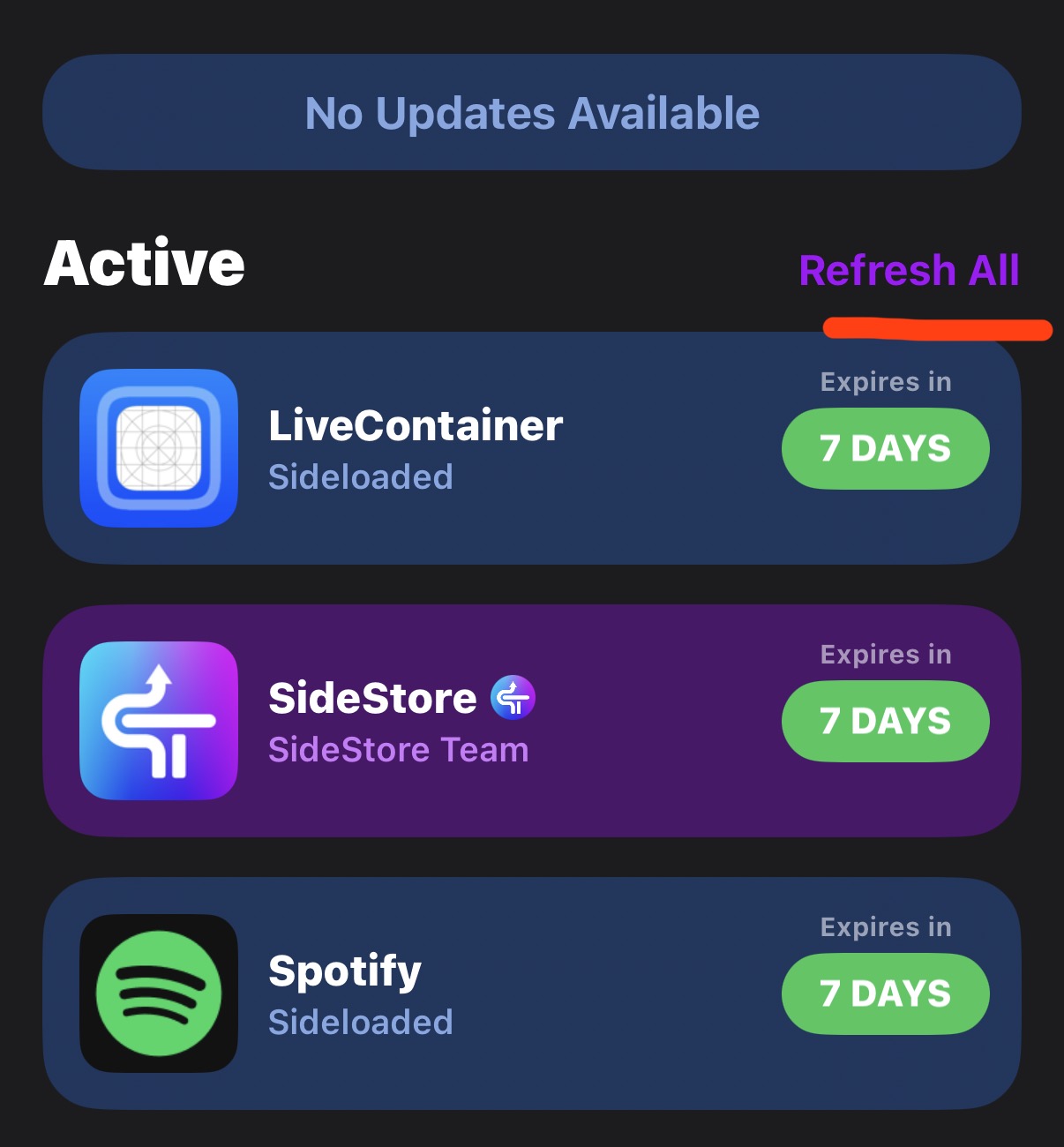
Make sure LocalDevVPN is turned on, then open SideStore and tap Refresh All.
Sometimes it does not work the first time. If that happens, just try again.