Common Problems
- If something is not working, try turning on LocalDevVPN.
- If an app stops working, refresh it in SideStore.
- If you cannot switch apps in LiveContainer, fully close the current app first.
- If SideStore will not sign in, check that you are using the same Apple Account from iLoader.
- If you still need help, check the SideStore FAQ.
Fix UDID Missing Error
Replace the pairing file to fix the UDID missing error:
- Plug your iPhone into your computer.
- Open iLoader on your computer and select your iPhone.
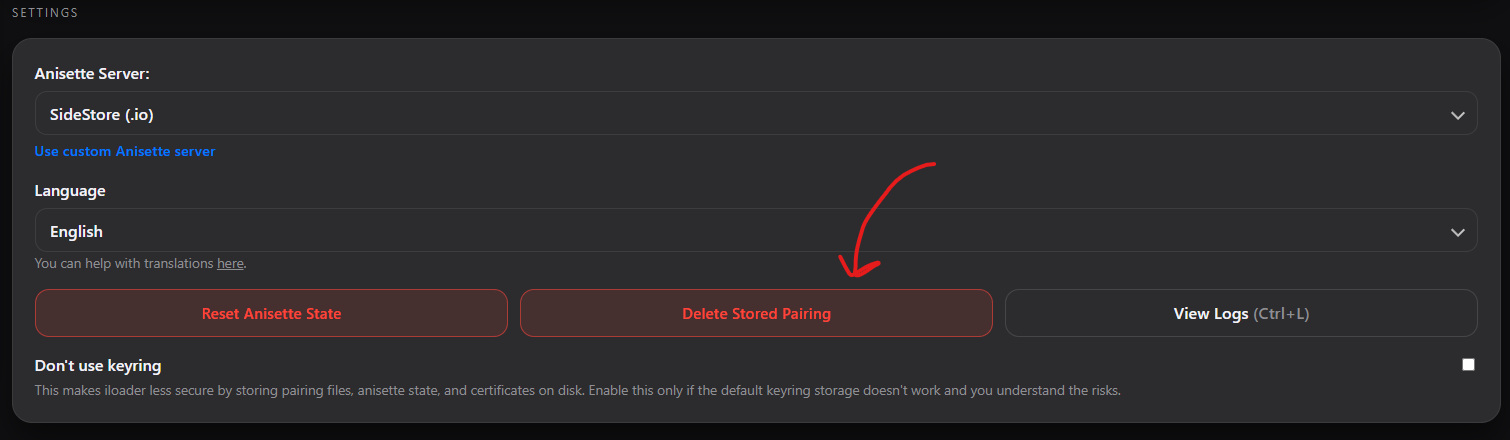
- Press Remove Stored Pairing File. You will need to trust the computer again on your iPhone.
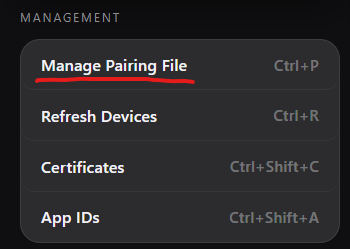
- Open Manage Pairing File.
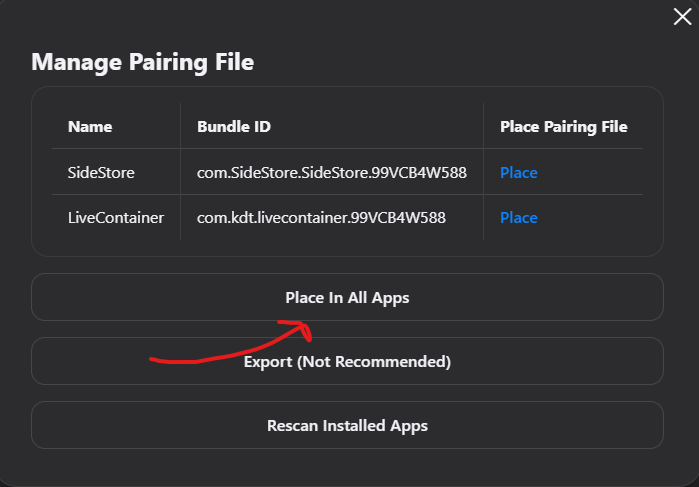
- Press Place Pairing File in All Apps.